
The Digital Nomad’s Toolkit: 10 Essential Web Tools for 2026
Streamline Your Remote Workflow with Professional, Browser-Based Utilities
10 Essential Web Tools Every Digital Nomad Needs in Their Bookmark Bar
In 2026, the world is your office. Whether you’re coding from a beach in Bali, managing a social media campaign from a café in Lisbon, or troubleshooting a server from a mountain cabin, your digital toolkit is the only thing standing between productivity and chaos.
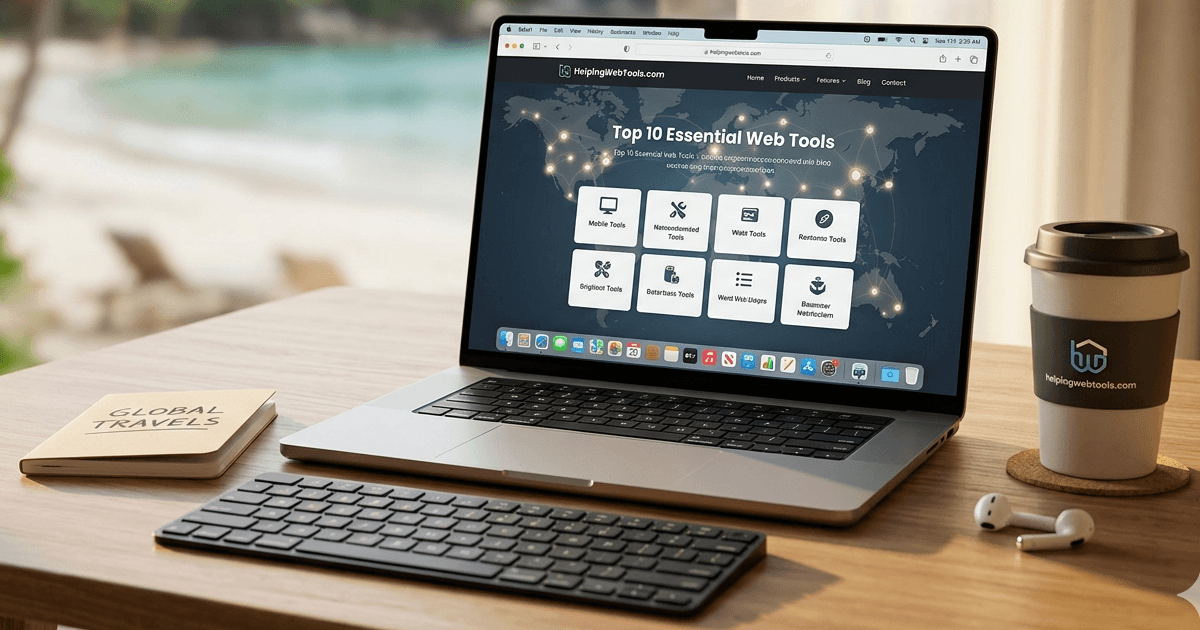
Digital nomads don't have the luxury of bulky software or slow, desktop-heavy applications. You need lightweight, browser-based utilities that work instantly. At HelpingWebTools.com, we’ve curated the ultimate "Survival Kit" of 10 essential tools that every remote professional should bookmark today.
1. The "What Is My IP" Checker
When you’re hopping between public Wi-Fi, co-working spaces, and hotel networks, security is your top priority.
-
Why you need it: Verify that your VPN is actually working and masking your location before you log into sensitive bank accounts or client portals.
-
Try it here: What Is My IP Address Online.
2. Professional Password Generator
Using "Password123" for every client site is a recipe for disaster. Digital nomads are prime targets for credential theft.
-
Why you need it: Generate high-entropy, 16+ character passwords that include symbols and numbers to stay ahead of AI-driven cracking tools.
-
Try it here: Random Password Generator.
3. VTT to SRT Subtitle Converter
Video is the king of content in 2026. If you’re a creator uploading to YouTube, Facebook, or LinkedIn, your captions need to work everywhere.
-
Why you need it: YouTube gives you a .vtt file, but Facebook wants an .srt. Our tool bridges that gap in one click.
-
Try it here: VTT to SRT Converter.
4. Unit & Currency Converter
Is that 500g coffee bag a good deal? How many miles is that 10km hike? Living internationally means constant mental math.
-
Why you need it: Stop guessing measurements. Quickly convert length, weight, and area to stay grounded in your new environment.
-
Try it here: Unit Converter Tools.
5. JSON Formatter & Validator
For the nomad developers and data analysts, messy API responses are a daily headache.
-
Why you need it: Turn a wall of unreadable code into a clean, hierarchical structure so you can find that bug and get back to exploring your city.
-
Try it here: JSON Formatter & Validator.
6. HEX to RGB Color Converter
Designers often receive brand assets in one format but need them in another for a quick CSS fix or a Canva layout.
-
Why you need it: Move between design software and web code seamlessly with high-precision color translation.
-
Try it here: HEX to RGB Converter.
7. YouTube Thumbnail Downloader
Need to reference a trending video in your latest blog post or presentation?
-
Why you need it: Don't settle for blurry screenshots. Download the original HD cover image directly from YouTube's servers.
-
Try it here: YouTube Thumbnail Downloader.
8. Text Case Converter
We've all accidentally hit Caps Lock or pasted text that’s in ALL LOUD LETTERS.
-
Why you need it: Instantly flip text to Sentence case, lower case, or Title Case without re-typing a single word.
-
Try it here: Text Editing Tools Set.
9. Base64 Encoder/Decoder
Sometimes you need to send a small asset or an email attachment via a text-only API.
-
Why you need it: Encode small images or text strings into Base64 to ensure they travel through the web without getting corrupted.
-
Try it here: Base64 Encode.
10. Binary to Decimal Converter
For the computer science students and networking pros working remotely.
-
Why you need it: Simplify the math behind IP masking and data structures with a fast, reliable conversion tool.
-
Try it here: Binary to Decimal.
Final Thoughts: Work Smarter, Not Harder
Being a digital nomad in 2026 is about efficiency. You don't want to spend your limited battery life or bandwidth downloading heavy apps. HelpingWebTools.com provides 181+ tools that run entirely in your browser, keeping your data private and your laptop light.
Popular Tools
Recent Posts






